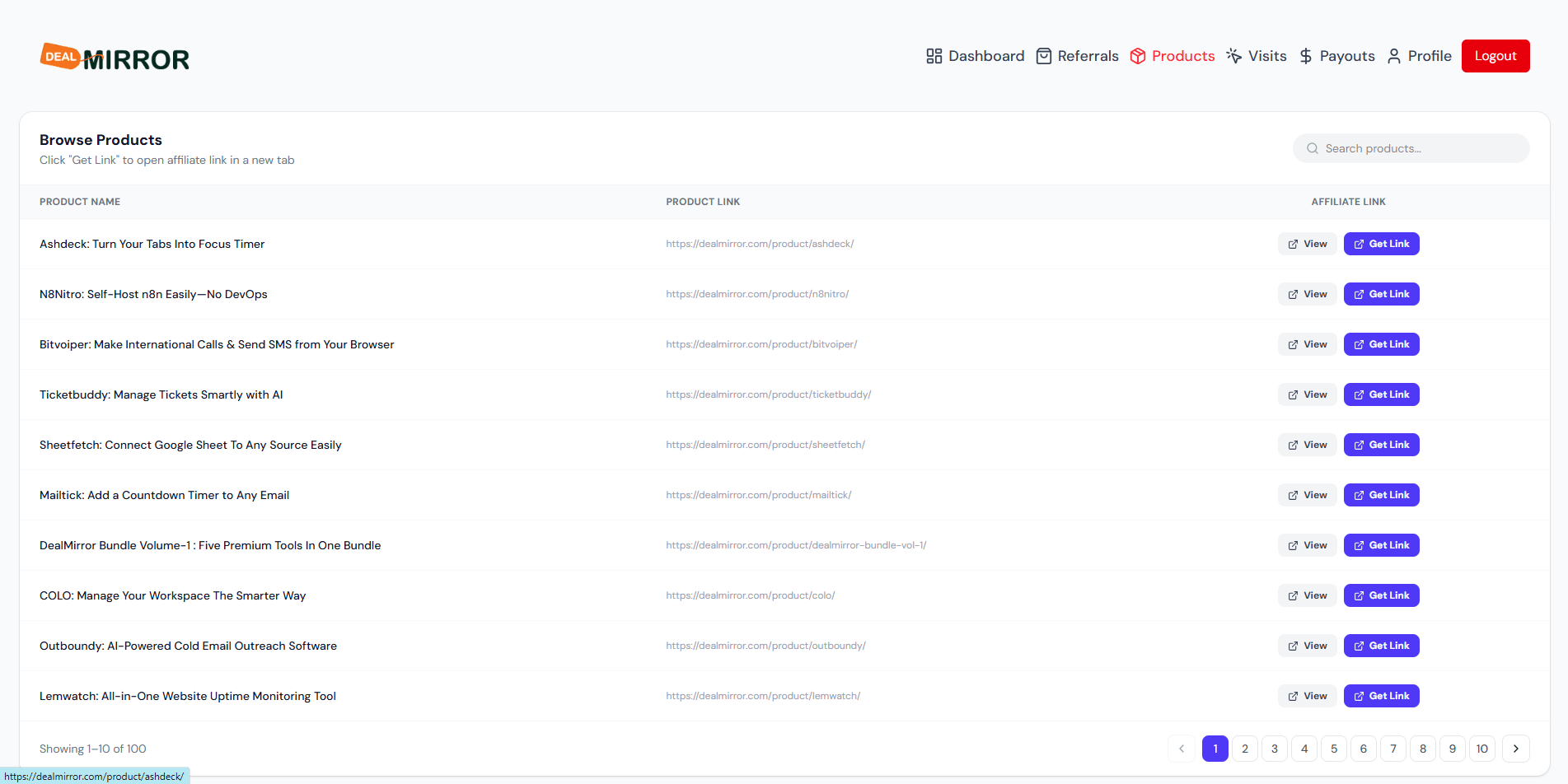
Getting Started Guide
Start earning with our
Affiliate Program
Follow these 6 simple steps to activate your account, generate affiliate links, and start tracking your earnings.
Step-by-step walkthrough
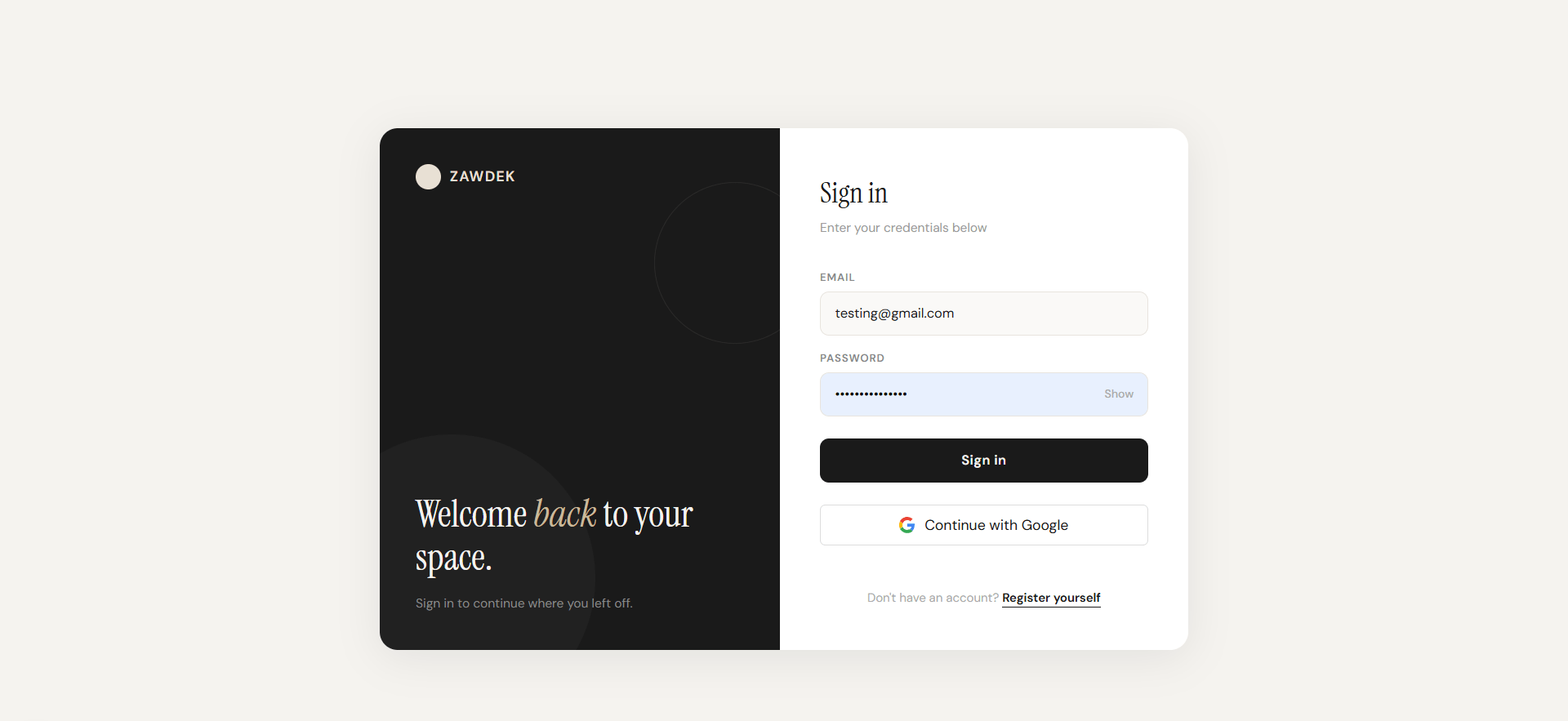
Step 01
Sign Up
Sign using your registered credentials to access the affiliate portal.
Step 02
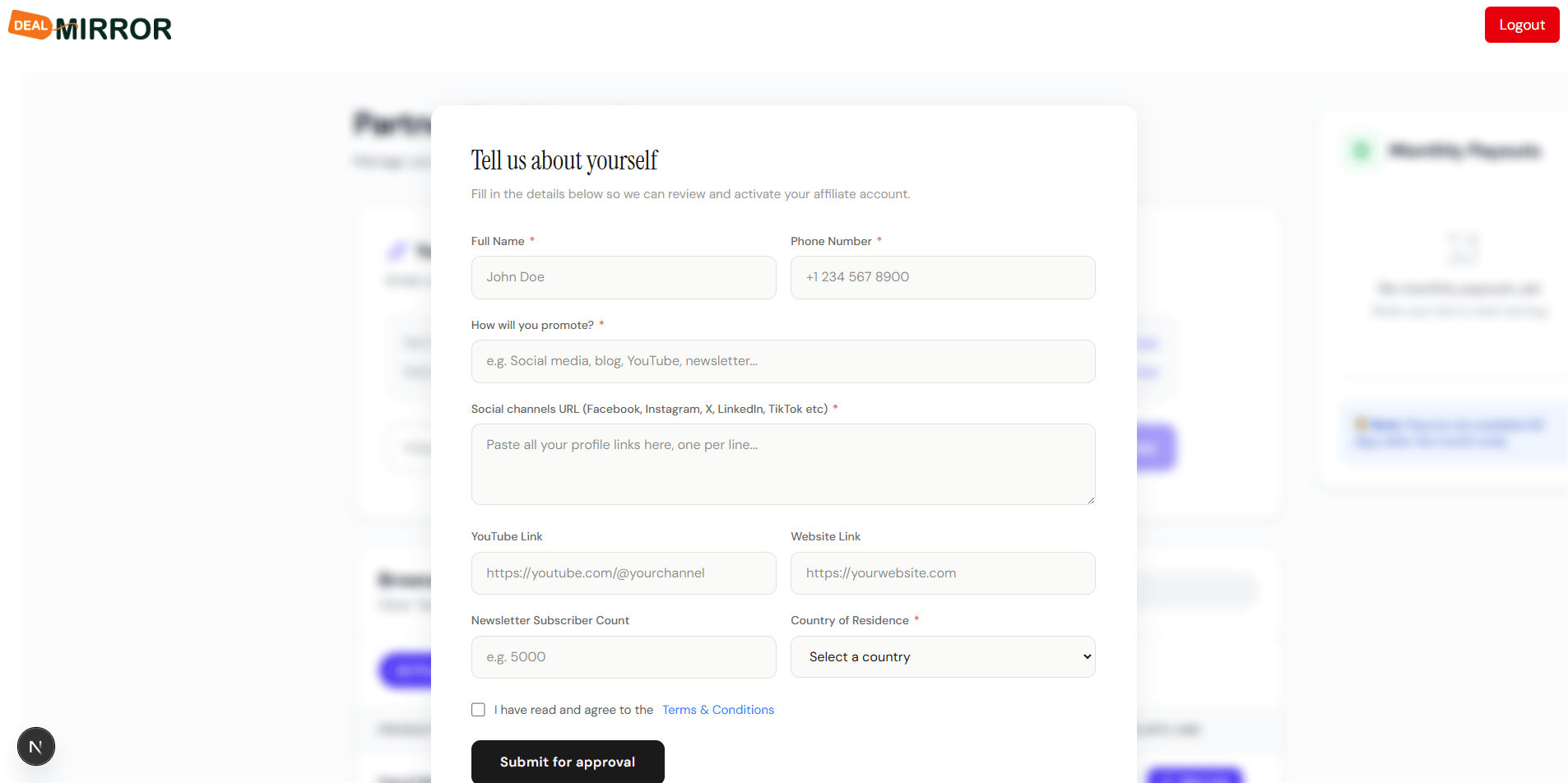
Submit Request
Fill the request form and wait while we review your account details.
Step 03
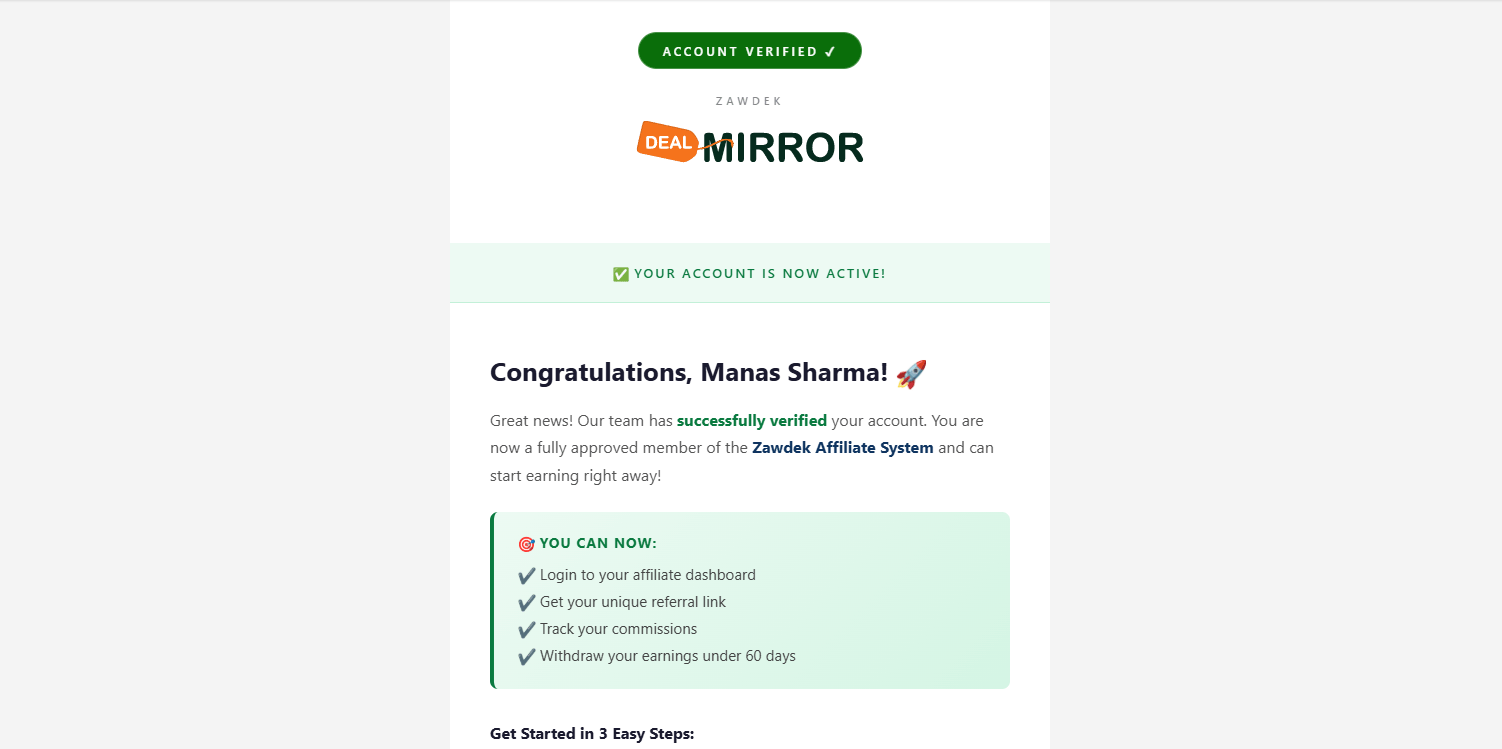
Account Activation
After review, we will send you an email to activate your affiliate account.
Step 04
Login
Login again using the same credentials you registered with.
Step 05
Dashboard Access
You now have full access to your personalized affiliate dashboard.
Step 06
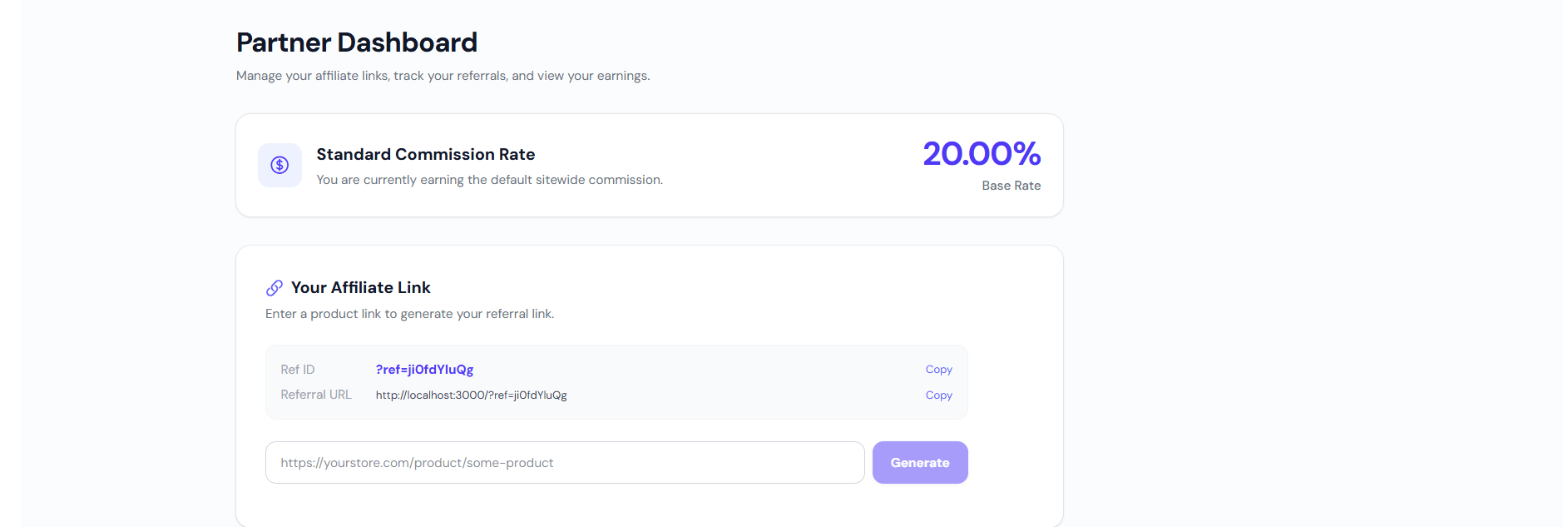
Generate Affiliate Link
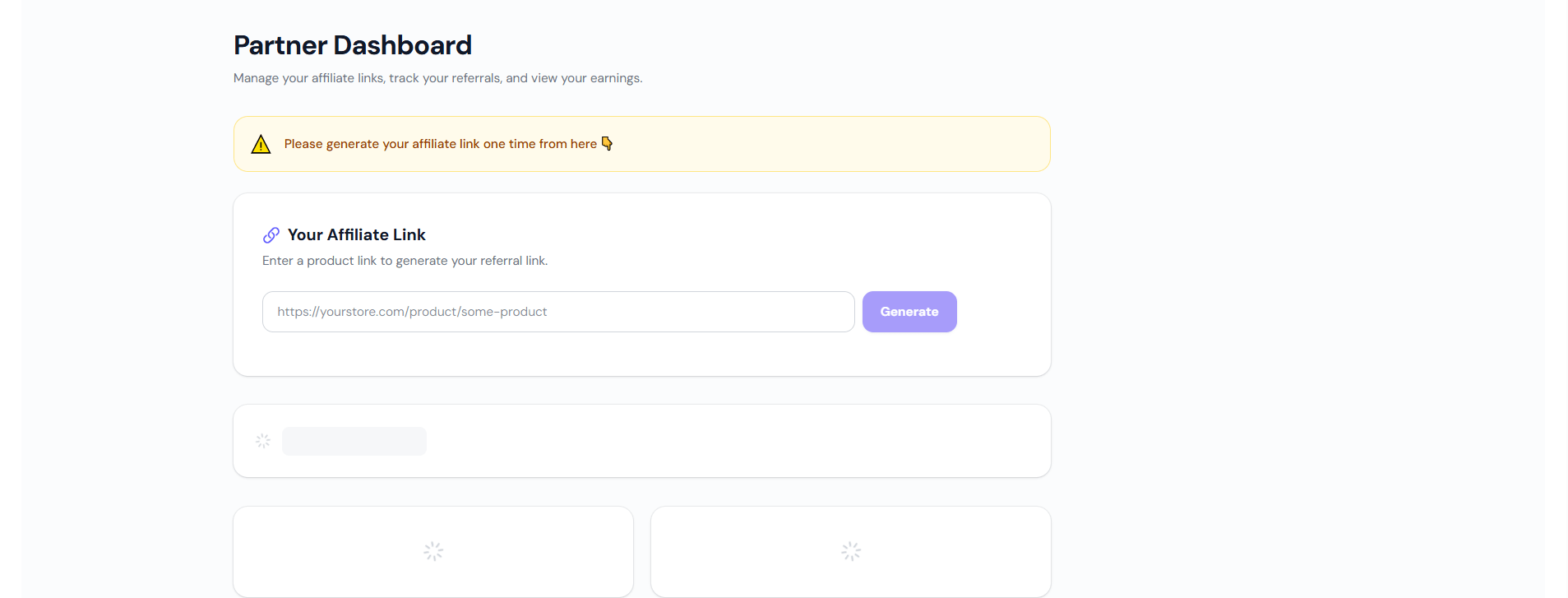
Paste any product URL, click generate, and get your unique affiliate link with Ref ID.
Explore
Dashboard Sections
Click each section to preview what's inside your dashboard.